Gaming

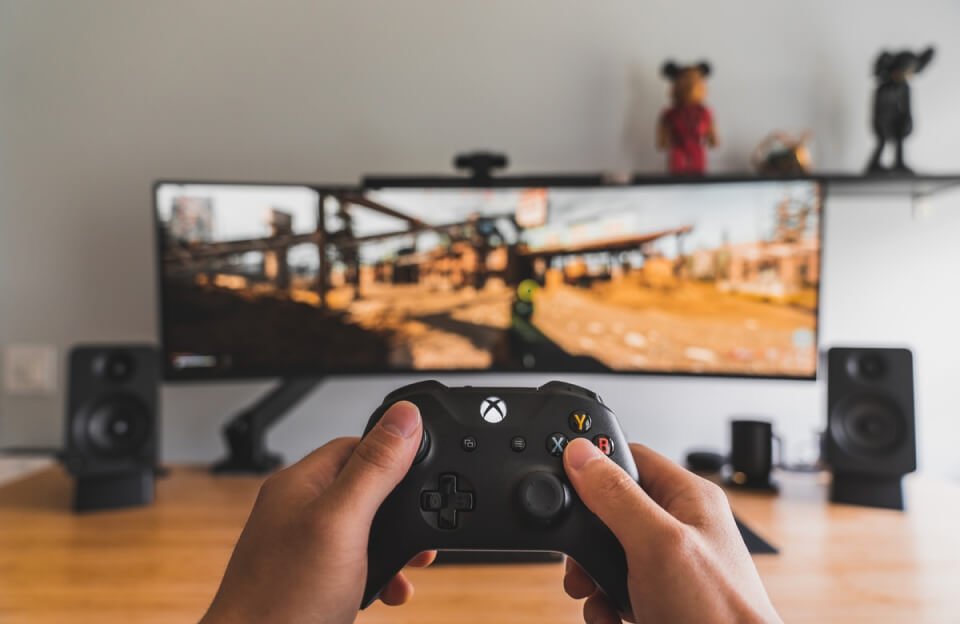
how to optimize xbox series x for low latency gaming

How to Optimize Xbox Series X for Low Latency Gaming (Less Input Delay)

When Xbox feels “laggy,” you’re usually dealing with one of two things: The fastest way to reduce latency is to optimize your display pipeline first, then clean up your controller + network. Let’s do this in the order that actually moves the needle. Quick checklist (biggest wins first) Step 1: Fix the #1 latency source […]

How to Optimize Xbox Series X for Low Latency Gaming (Less Input Delay) Read More »

Games, , , , ,
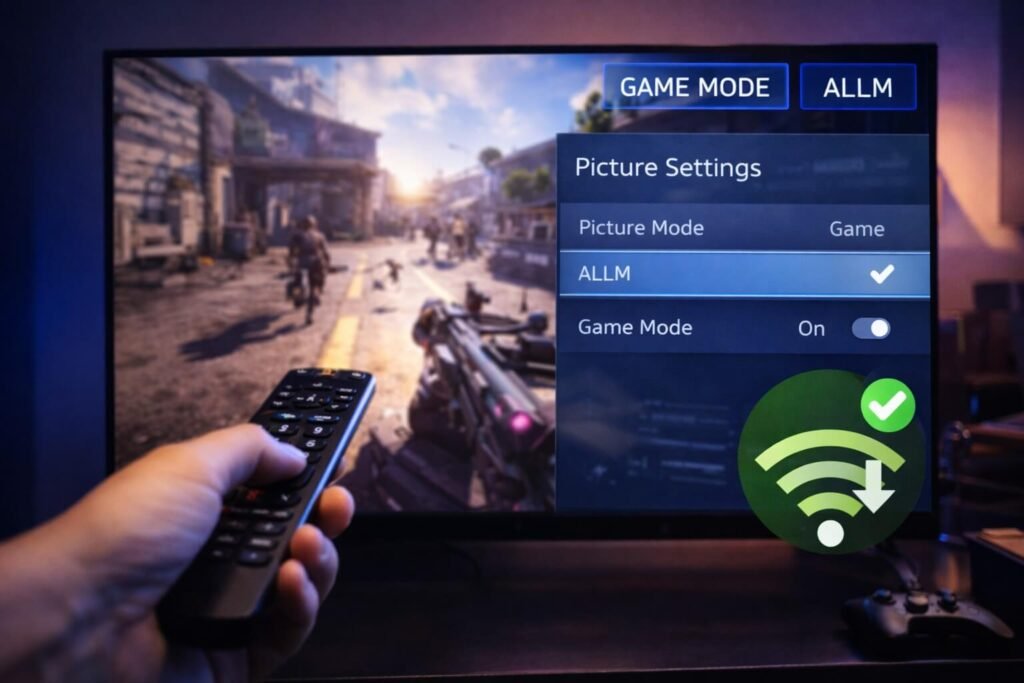
how to fix input lag on a gaming tv

How to Fix Input Lag on a Gaming TV (2026 Seven-Step Guide)

If your character feels “floaty,” shots feel delayed, or your controller response is a beat behind — you’re not crazy. That’s input lag, and it usually comes from your TV processing the image before it shows it. The good news: you can often cut input lag dramatically in 5–10 minutes just by changing the right

How to Fix Input Lag on a Gaming TV (2026 Seven-Step Guide) Read More »

Games, ,
tech news post featured img 06

How to Optimize PS5 for Online Gaming (Lower Ping + Less Lag)

Online gaming on PS5 is mostly about one thing: stability. A fast speed test looks nice, but what wins matches is: Here’s how to optimize your PS5 setup in the order that gives the biggest real-world improvements. Quick checklist 1) Start with the connection type: LAN beats Wi-Fi (almost every time) If you can run

How to Optimize PS5 for Online Gaming (Lower Ping + Less Lag) Read More »

Games, ,

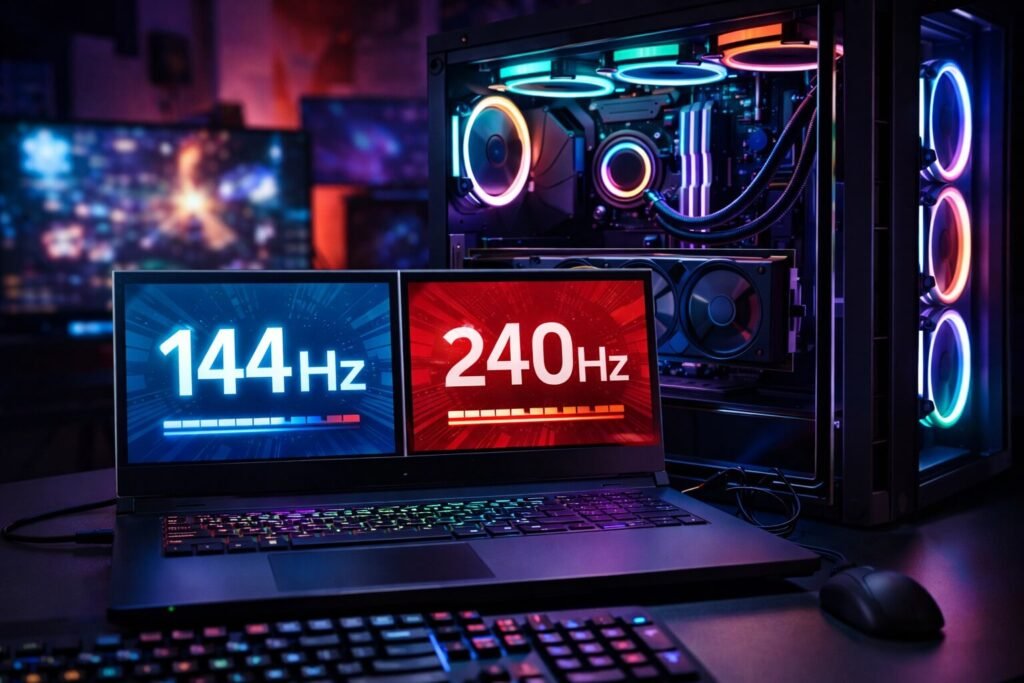
How to Optimize Gaming PC for High Refresh Rates (144Hz / 240Hz / 360Hz)

Buying a high refresh rate monitor is the easy part. The “why does it still feel like 60Hz?” part usually comes down to one of these: Let’s fix this properly — in the order that actually makes a difference. Quick checklist (biggest wins first) 1) First: make sure Windows is actually running at 144Hz/240Hz This

How to Optimize Gaming PC for High Refresh Rates (144Hz / 240Hz / 360Hz) Read More »

Games, ,

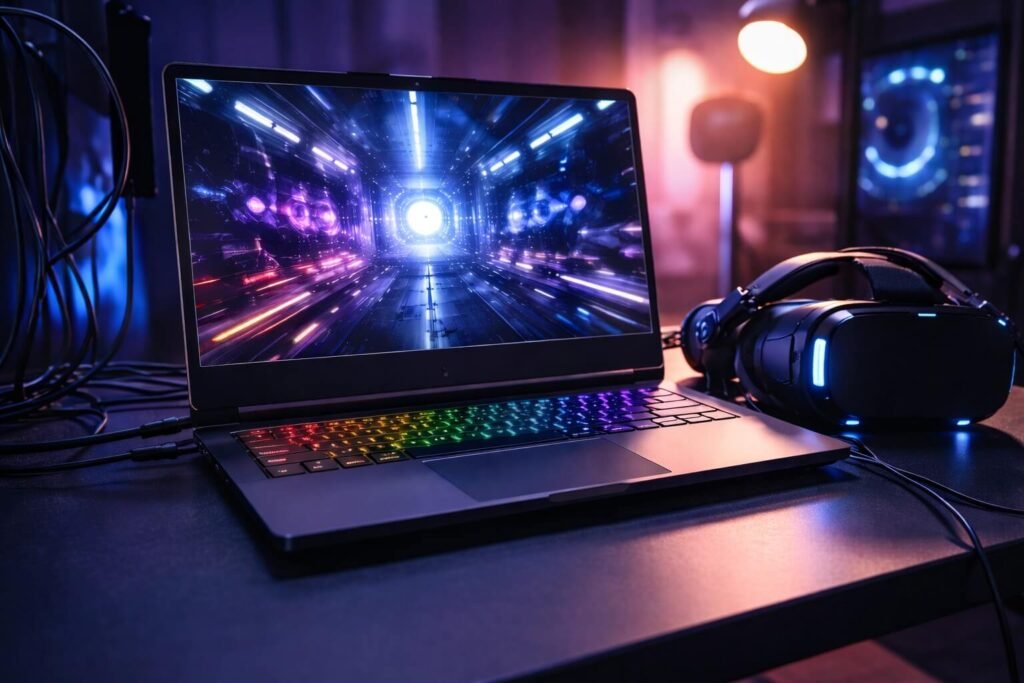
How to Optimize a Gaming Laptop for VR (Smooth PCVR Without Stutter)

VR is the most honest performance test you can throw at a gaming laptop. On a normal monitor, you can “get away with” occasional dips. In VR, the same dip becomes stutter, blur, discomfort, and input delay. The good news: you usually don’t need new hardware – you need the right settings. This guide is

How to Optimize a Gaming Laptop for VR (Smooth PCVR Without Stutter) Read More »

Games, ,